AI
Drift, Trust, and ROI: A Realist's Framework for Measuring Agentic AI
Sagar GaurMarketing Specialist
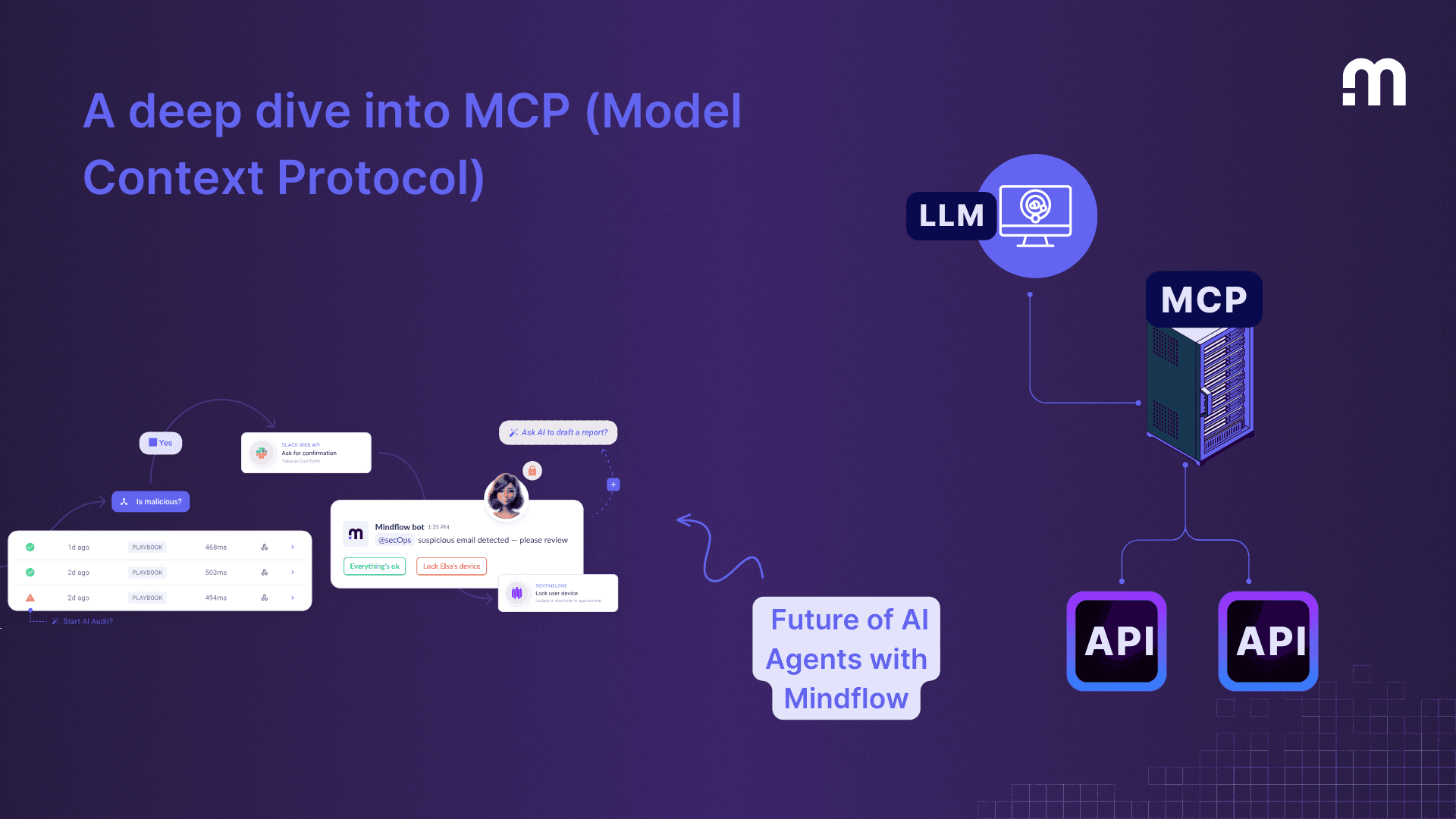
The Model Context Protocol (MCP) gives an AI application a standard way to connect to external capabilities. A service can expose a tool to look up a ticket, a resource containing reference material, or a prompt template. The application decides which servers to connect to and which capabilities to make available to a user. MCP architecture
A host application maintains an MCP client connection to a server. During initialization the parties negotiate the capabilities they support. The client can discover the tools offered by the server, including their descriptions and input schemas. When a user asks a question, the application can request one of those tools and use the returned result to complete its answer.
Consider an incident manager asking for the timeline of an existing ticket. The host can offer a read-only ticket lookup to the model. The request includes the known ticket identifier. The service checks access and returns the recorded events, which the assistant can summarize with links to the source. If the user cannot access the ticket, the application should preserve that denial all the way to the interface. A well-formed tool request does not establish that the caller has permission.
Mindflow provides an MCP Gateway and a catalogue of MCP servers. Use the catalogue to find the relevant service and inspect the operations actually listed for it. A provider’s full API may be much broader than the selection exposed to a particular agent. Before relying on an operation, verify that it is present and that the underlying connection has the appropriate access. Mindflow MCP Gateway · Mindflow MCP server catalogue
A workflow and an MCP connection answer different design questions. The connection defines how a client discovers and calls a capability. The workflow defines the steps that surround it, including validation, human review, retries and the record of what happened. In the incident example, a team might expose a read-only lookup immediately and keep sending a customer update behind a separate approval step.
Start with one question, one source of truth and the smallest relevant permission scope. Test with a user who can read the ticket and a user who cannot. Check how the application behaves when the ticket is missing or the provider times out. Treat text returned by the service as data, even when it contains something that looks like an instruction. Validate the destination and arguments of any subsequent action independently.
Keep the connection identity, selected tool, approval and outcome visible in the audit trail. That makes it possible to answer a practical question after rollout: which user asked for which action, and what did the connected service actually do? MCP authorization specification