AI
Drift, Trust, and ROI: A Realist's Framework for Measuring Agentic AI
Sagar GaurMarketing Specialist
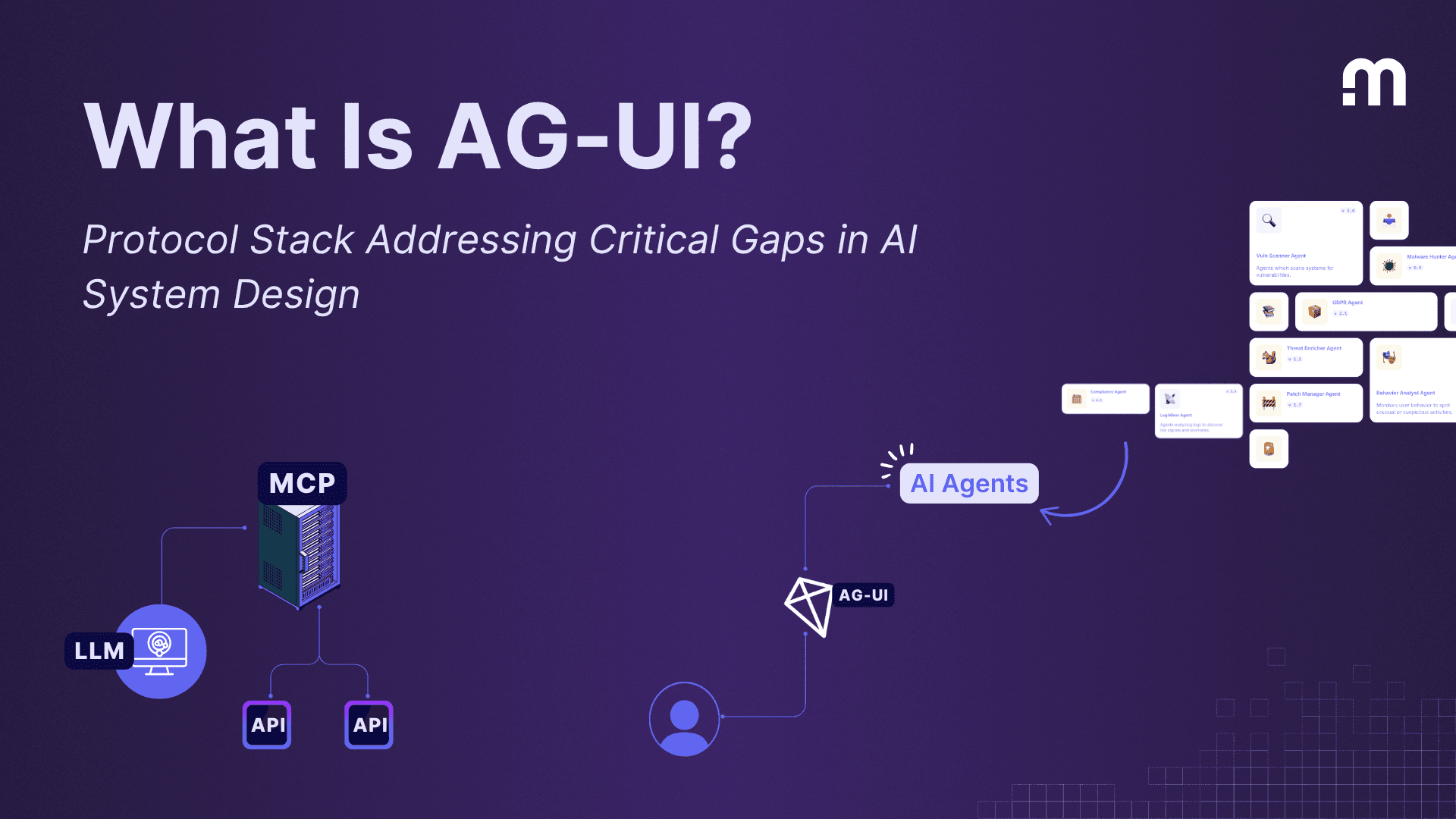
An analyst asks an assistant to summarize an incident. The run may take thirty seconds, retrieve a ticket and finish with a short timeline. A single final message leaves the analyst guessing whether the request was accepted or failed. AG-UI, the Agent–User Interaction protocol, gives the application a common vocabulary for communicating what is happening during the run. AG-UI introduction
The application starts a run associated with a conversation. A RUN_STARTED event tells the interface that work has begun. A message can then arrive as a start event, several TEXT_MESSAGE_CONTENT events and an end event. The interface appends the chunks to the same message instead of treating each as another reply. RUN_FINISHED closes a successful run. RUN_ERROR lets the interface stop showing progress and offer a meaningful next step. AG-UI event definitions
In the incident example, the analyst might first see a progress indicator, then the summary as it is produced. If the backend reports that the ticket is unavailable, the interface should display that outcome. Showing a completed summary or a green success state in that case would misrepresent the result.
AG-UI connects an agent backend and a user-facing application. Its events describe run progress, messages, tool calls and shared state.
MCP connects an AI application to a server that exposes tools, resources or prompts. A ticket lookup can use MCP while its progress is displayed with AG-UI. MCP architecture
A2A supports interaction between independent agents. An application can use it when a second agent is responsible for its own task and lifecycle. A2A overview
Use the connection that matches the boundary in your application. A single-agent interface can stream AG-UI events without adding a second agent.
Suppose the assistant also offers to send the incident summary to a customer. Show the destination and the exact proposed text for review. The backend must verify the approver’s identity, check their permission and record the approved action before sending. A tool-call event is evidence that the interface observed a request. It does not grant permission to execute it.
For longer interactions, a state snapshot can establish the starting view and state deltas can update it. Share the fields the interface needs, such as the ticket reference and an approval status. Keep credentials, private reasoning and raw internal payloads on the server. Test a disconnected browser, an error after partial output and an approval that expires. Each test answers a concrete product question: what will the analyst see, and what action can they safely take next? AG-UI events